
Solar Inverter Firmware Updates
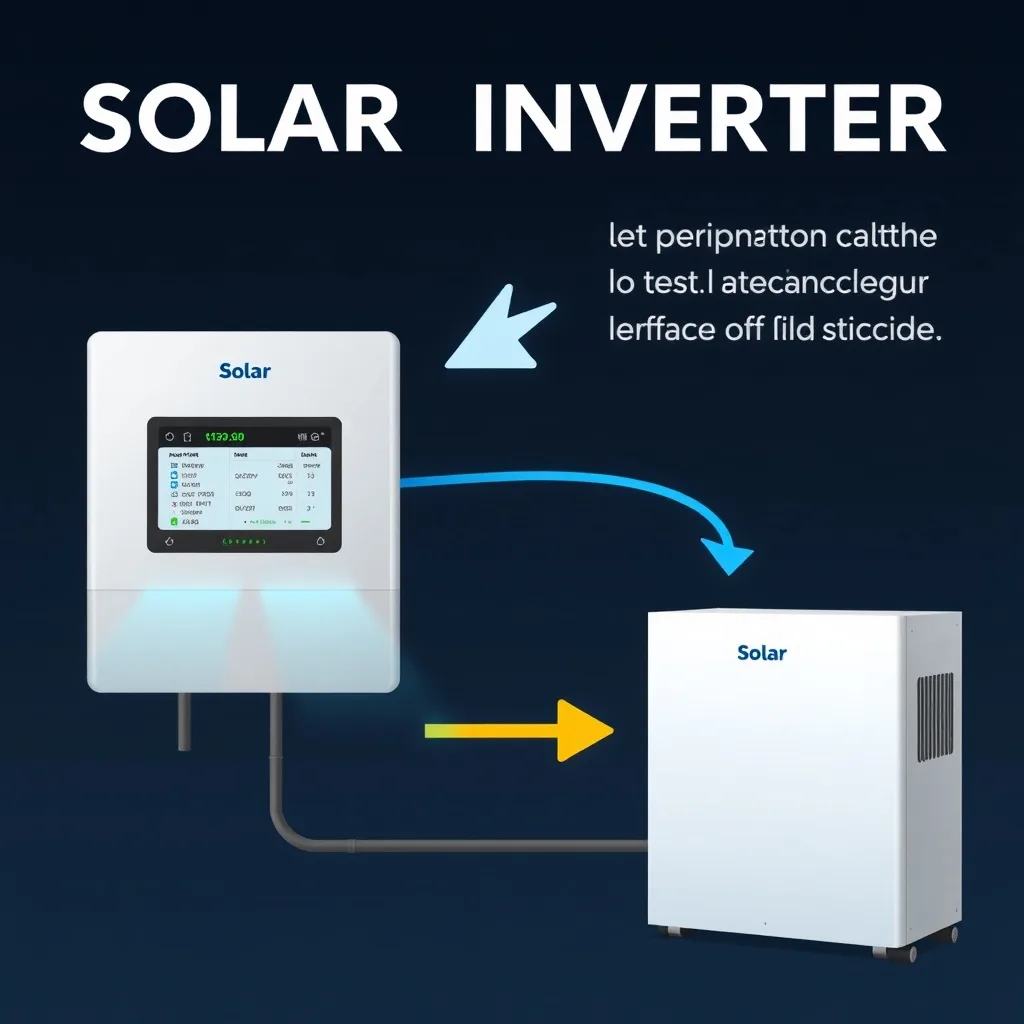
Short answer: Most modern solar inverters update their firmware automatically over Wi-Fi with no action from the owner. Updates fix bugs, patch security issues, improve charge and discharge behaviour on hybrid units, and occasionally change grid-support settings to meet a revised interconnection standard. Older or non-connected units may need a technician with a USB device, and an inverter that has been offline for a long time may be missing updates.
Firmware updates keep a solar inverter’s internal software current, fixing bugs and sometimes improving performance. Most homeowners never think about them — which is usually fine, but not always.
Table of Contents
- What do firmware updates actually do?
- How are firmware updates applied?
- How do update types compare?
- How do I check my update status?
- Frequently Asked Questions
What do firmware updates actually do?
Firmware updates typically fix bugs, patch security vulnerabilities, improve charge/discharge algorithms on hybrid units, and occasionally add new monitoring features. Less commonly, an update can adjust grid-support behavior to comply with an updated interconnection standard your utility now requires.
How are firmware updates applied?
Most modern inverters update automatically over their Wi-Fi connection, with no action needed from you. Older or non-connected units sometimes require a technician visit with a USB device or direct connection. If your inverter has been offline for an extended period, it may be missing updates that a connected unit would have applied automatically.
How do update types compare?
| Update Type | Typical Frequency | Homeowner Action Needed |
|---|---|---|
| Bug fix / minor update | Several times per year | None (automatic) |
| Grid-code compliance update | Occasional, per regulation changes | None (automatic) |
| Major feature update | Rare | Confirm connectivity, otherwise none |
How do I check my update status?
Your inverter’s monitoring app usually shows current firmware version and connection status. Periodically confirming your unit is actually online — not just installed and forgotten — is the single most useful habit for making sure automatic updates are actually reaching your system.
Frequently Asked Questions
Do I need to manually install firmware updates?
Usually no, most modern inverters update automatically over Wi-Fi.
What happens if my inverter misses updates for a long time?
It may run outdated logic that’s less efficient or misses newer safety/grid-compliance features.
Can a firmware update break my inverter?
Rare, but possible — manufacturers generally test updates thoroughly before wide release.
How do I know if my inverter needs an update?
Check the monitoring app’s firmware version against the manufacturer’s current release, or just confirm connectivity.
Do firmware updates cost anything?
No, they’re included as standard manufacturer support for the life of the product.
For general upkeep beyond firmware, see our solar inverter maintenance guide. For monitoring your connection status, see our inverter monitoring app guide.
Related Posts

Leave a Comment
Your comment will be published after it has been approved. Please send comments that do not contain slang words.