
Solar Inverter Monitoring App
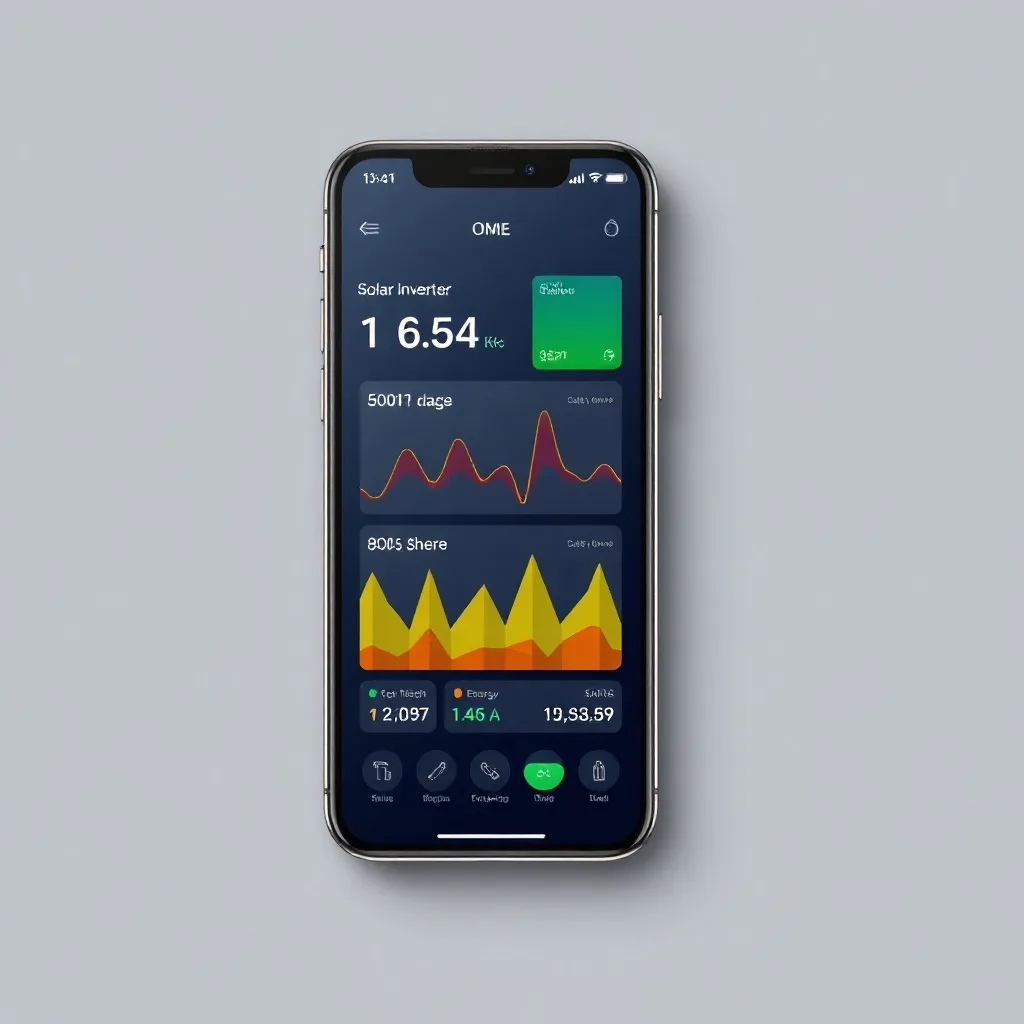
A solar inverter monitoring app turns raw production numbers into something you can actually act on — daily trends, fault alerts, and historical comparisons, all from your phone.
Table of Contents
- What do solar inverter monitoring apps show?
- What features do solar monitoring apps have?
- How do I set up a solar monitoring app?
- Should I use a third-party or manufacturer app?
- Frequently Asked Questions
What do solar inverter monitoring apps show?
Most inverter apps display real-time production, daily/monthly/lifetime totals, and system health status. Better apps also show weather-adjusted expected output for comparison, so you can tell whether a low-production day is normal cloud cover or an actual problem worth investigating.
What features do solar monitoring apps have?
| Feature | Basic Apps | Advanced Apps |
|---|---|---|
| Real-time production | Yes | Yes |
| Panel-level detail | No | Yes (with microinverters/optimizers) |
| Fault alerts (push notification) | Sometimes | Yes |
| Weather-adjusted expected output | Rarely | Yes |
How do I set up a solar monitoring app?
Setup typically happens during installation — your installer connects the inverter to your home Wi-Fi and links it to your account. If you switch routers or change your Wi-Fi password later, the inverter will need to be reconnected manually, which is the most common reason an app suddenly shows “offline” despite the system working fine.
Should I use a third-party or manufacturer app?
Manufacturer apps are simplest and come free with your system. Third-party platforms can combine data across multiple equipment brands (useful if you have solar, a separate battery brand, and an EV charger) but usually cost extra and require additional hardware to bridge the data.
Frequently Asked Questions
Why does my monitoring app show offline?
Usually a Wi-Fi connectivity issue, not an inverter problem — check your router and reconnect if needed.
Do I need to pay for a monitoring app?
The manufacturer’s basic app is typically free; advanced third-party platforms may charge a subscription.
Can I monitor my system from anywhere?
Yes, most apps work remotely as long as the inverter has an internet connection.
Does the app affect my system’s performance?
No, monitoring is passive and has no effect on actual production or operation.
What should I do if the app shows a fault I don’t understand?
Note the exact code or message and contact your installer or manufacturer support.
For what to actually watch in your data, see our solar inverter monitoring guide. For panel-level detail options, see our inverter vs power optimizer comparison.
Our solar inverter data logging guide covers this in more depth. Our solar inverter recall issues guide covers this in more depth.
Related Posts

Leave a Comment
Your comment will be published after it has been approved. Please send comments that do not contain slang words.