
Solar Inverter Data Logging
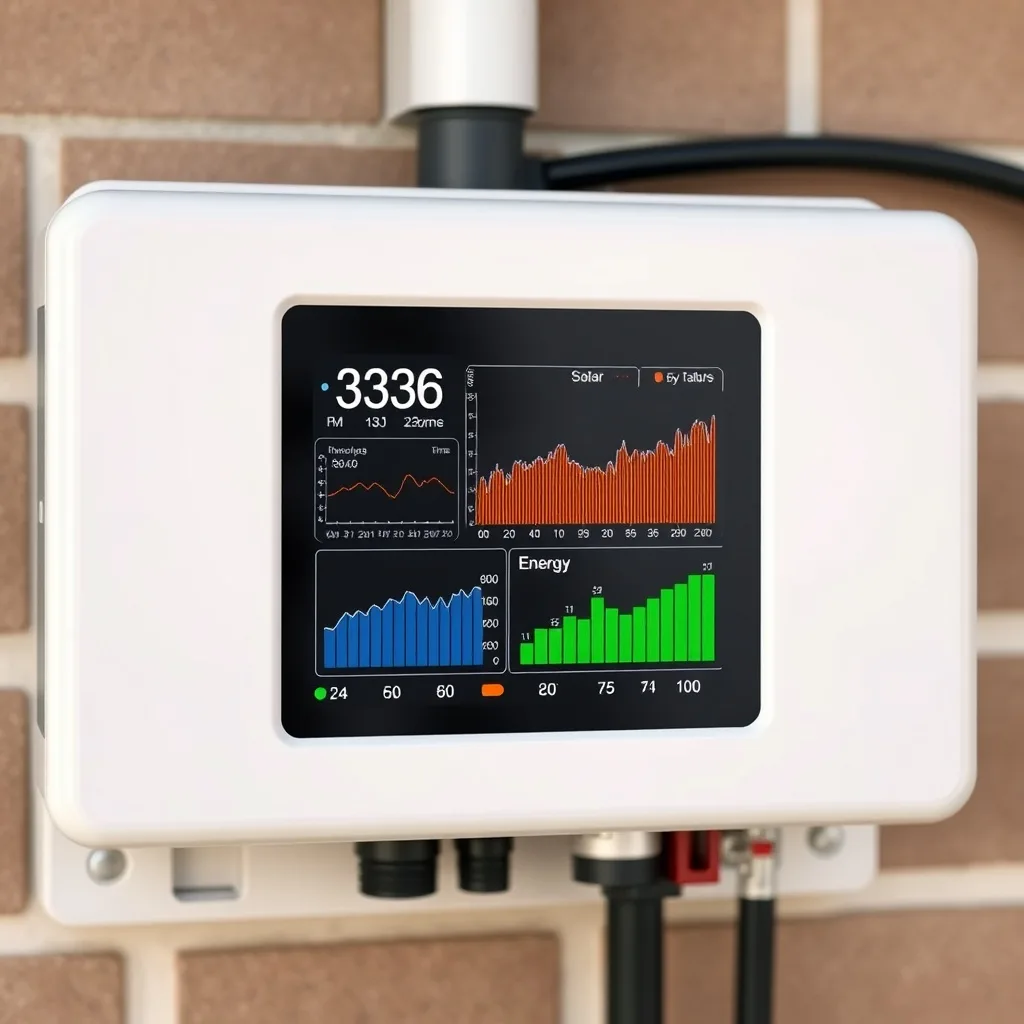
Solar inverter data logging captures detailed historical performance records — far beyond what a simple app dashboard shows — useful for warranty claims, troubleshooting, and long-term performance tracking.
Table of Contents
- What data does a solar inverter log?
- Where is solar inverter data stored?
- How do solar inverter logging options compare?
- What can you do with logged solar data?
- Frequently Asked Questions
What data does a solar inverter log?
Standard data logging captures production (kWh), voltage, current, temperature, and any fault events at regular intervals, often every 5-15 minutes. More advanced systems also log grid-support activity like voltage regulation events, useful for utilities and researchers, though rarely something homeowners need to review directly.
Where is solar inverter data stored?
Most modern inverters log to the manufacturer’s cloud platform automatically, accessible through the app. Some units also store a local buffer on the device itself, useful if internet connectivity is lost temporarily — that local data typically syncs to the cloud once connection is restored.
How do solar inverter logging options compare?
| Storage Type | Data Retention |
|---|---|
| Cloud (manufacturer) | Typically indefinite, tied to account |
| Local device buffer | Days to weeks, until synced or overwritten |
| Third-party monitoring platform | Varies by service, often exportable |
What can you do with logged solar data?
Historical logs are the strongest evidence for a warranty or performance claim — showing exactly when and how production declined, rather than relying on memory or a single snapshot. They’re also useful for comparing year-over-year seasonal performance, which is the most reliable way to spot a slow, gradual decline that a single day’s number would never reveal.
Frequently Asked Questions
Can I download my inverter’s historical data?
Most manufacturer apps allow data export, typically as a CSV file, for a chosen date range.
How long does my inverter store data?
Cloud storage is usually indefinite; local on-device storage is much shorter, days to weeks.
Is logged data useful for anything beyond troubleshooting?
Yes, it’s valuable evidence for warranty claims and for spotting gradual performance decline over time.
Does data logging slow down my inverter?
No, logging runs passively in the background with no effect on actual performance.
What happens to my data if I switch monitoring platforms?
Depends on the platform — check export options before switching to avoid losing historical records.
For what to actually watch in this data, see our solar inverter monitoring guide. For app-specific features, see our inverter monitoring app guide.
Related Posts


Leave a Comment
Your comment will be published after it has been approved. Please send comments that do not contain slang words.