
Smart Home Solar Tips
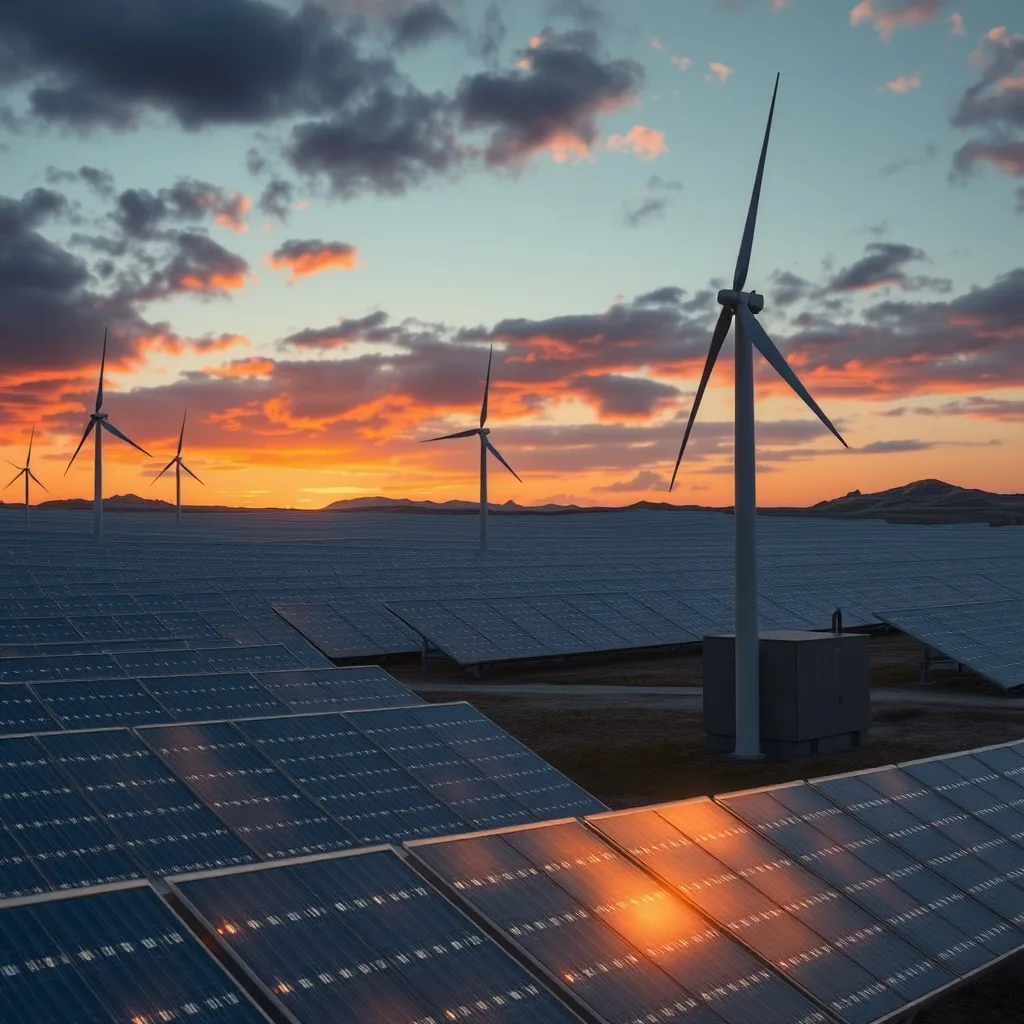
Smart home solar tips come down to one idea: use electricity when your panels are making it. A rooftop array produces most of its energy between late morning and mid-afternoon, while a typical household uses most of its energy in the evening. Smart plugs, thermostats, water heater controls, EV chargers and battery settings close that gap, so more of your solar is used at home instead of exported for a low credit. This guide gives practical, ranked tips, explains which automations save real money, and shows how to check the results in your monitoring app.
Table of Contents
- The One Principle Behind Every Tip
- Shift the Big Loads First
- Heating and Cooling: The Largest Lever
- Water Heating and EV Charging
- Automations That Actually Work
- How to Measure Whether It Is Working
- FAQ
The One Principle Behind Every Tip
Every smart-home solar tip is a way to raise self-consumption, the share of your solar production that your home uses directly. The reason it matters is the gap between what you pay for imported electricity and what you are credited for exports. Under full retail net metering the gap is small and timing barely matters. Under net billing, time-of-use rates or feed-in tariffs, a kWh you export at noon may be worth a fraction of a kWh you import at 7 p.m.
So the first step is to find out which tariff you are on. If exports earn close to the retail rate, most of the tips below are about comfort and convenience rather than money. If exports earn much less than imports, or if your rate is higher in the evening, every load you move into the solar window is a direct saving.
Shift the Big Loads First
Focus on the handful of appliances that use most of a home’s electricity. The U.S. Energy Information Administration’s breakdown of electricity use in homes shows that space heating and cooling, water heating and major appliances dominate; lighting and electronics are small by comparison. Smart plugs on lamps will not move the needle. A timer on the water heater will.
| Load | Why it matters | The smart-home move | Effort |
|---|---|---|---|
| Air conditioning and heat pump | Largest single load in most climates | Pre-cool or pre-heat during solar hours with a smart thermostat schedule | Low |
| Electric water heater | Large, flexible and stores heat well | Timer or smart controller so it heats midday, not at 6 a.m. and 9 p.m. | Low to medium |
| EV charger | Can absorb almost all of a day’s surplus | Solar-aware charging mode or a schedule inside the solar window | Low if the charger supports it |
| Home battery | Shifts solar into the evening automatically | Set reserve, charge-from-solar-only and time-of-use modes correctly | Low |
| Dishwasher, washing machine, dryer | Medium loads, easy to delay | Use the appliance’s delay-start or a smart plug with a midday schedule | Low |
| Pool pump | Runs for hours; timing is free to change | Smart timer set to solar hours | Low |
| Lighting and electronics | Small share of use | Not worth automating for solar reasons | — |
Order of operations: battery settings and thermostat first, water heater second, EV charger third, then the appliances. That order matches the size of the loads and the ease of the change.
Heating and Cooling: The Largest Lever
The most effective solar trick is to use your house as a thermal battery. Cool it a degree or two below your normal setpoint while the panels are producing, then let it drift back up through the evening peak. The same works in reverse for heating with a heat pump. A well-insulated home holds the pre-conditioning for hours; a leaky one loses it quickly, which is why insulation and air sealing come before gadgets. Our home energy audit guide explains how to find the leaks.
Smart thermostats make this a schedule rather than a chore. ENERGY STAR certified models are tested for energy-saving performance, and the program’s smart thermostat page explains what the certification covers. Whether the thermostat itself saves money depends on how you were using the old one; the honest answer is in our article on smart thermostat savings. For solar households the value is mostly in the scheduling, not the learning features.
A simple schedule for a cooling climate on a time-of-use tariff:
- Solar hours (about 11 a.m. to 3 p.m.): setpoint 1 to 2 °C below normal.
- Peak hours (about 4 to 9 p.m.): setpoint 1 to 2 °C above normal, letting the pre-cooled house coast.
- Overnight: normal setpoint.
Check the thermostat’s “eco” or “away” settings too; some default to aggressive setbacks that then trigger a large catch-up load exactly at the evening peak.
Water Heating and EV Charging
An electric water heater tank holds heat for many hours, so it is the easiest large load to move. Options, from simplest to most capable:
- A mechanical or smart timer that enables the element only during solar hours. Cheap, and the tank rarely runs cold if it is sized for the household.
- A solar diverter that measures export at the meter and feeds only the surplus into the heater element. This is the most precise option for homes without a battery.
- A connected heat pump water heater with a schedule or demand-response mode. Uses a fraction of the electricity of a resistive heater and can be told to run midday.
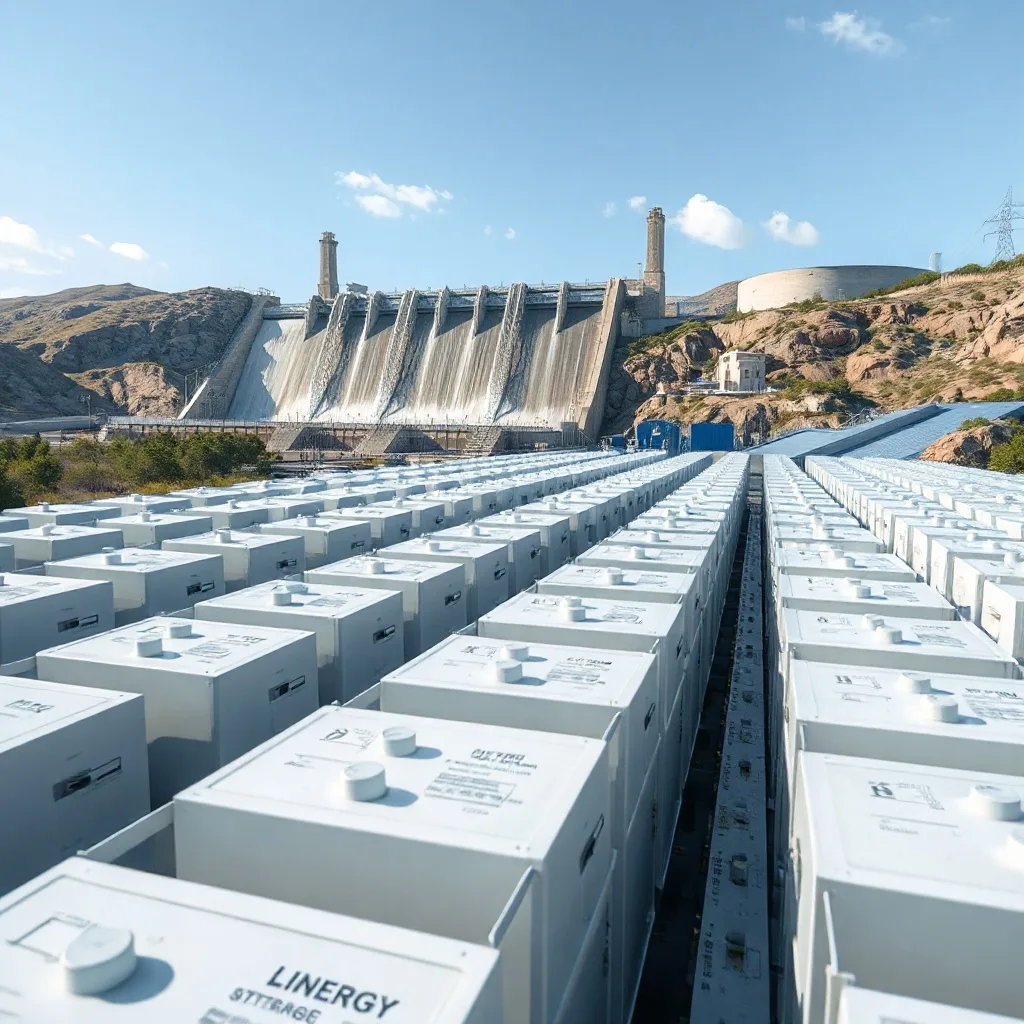
EV charging is the other big flexible load, and a full battery can absorb more than a typical day’s surplus. Two approaches work. A charger with a solar-aware mode tracks export and adjusts charging current to match, keeping imports near zero. A plain charger with a schedule set to the solar window does most of the same job when the car is at home during the day. If the car is away on weekdays, charge on the weekend from solar and use the cheapest overnight rate during the week; a solar-only rule that leaves the car empty helps no one. Our guide to solar EV charging guides covers charger choices and speeds.
Automations That Actually Work
Automation earns its keep when it reacts to what the panels are doing, not just to the clock. The useful rules, in order of value:
| Rule | Trigger | Action | Needs |
|---|---|---|---|
| Surplus water heating | Export above a threshold for 10 minutes | Turn on water heater relay | Consumption monitoring or a diverter |
| Solar-aware EV charging | Export available | Set charger current to match surplus | Charger with solar mode or an open API |
| Battery reserve for weather | Storm warning or forecast of low solar | Raise battery reserve to 80 to 100 percent | Battery app with reserve control |
| Pre-cooling | Solar production above a threshold and outdoor temperature high | Lower thermostat setpoint | Smart thermostat and solar data |
| Delayed appliances | Time window plus surplus | Start dishwasher or washer via smart plug or app | Appliance delay-start or a high-current smart plug |
| Pool pump | Time window | Run for the required hours during solar peak | Timer or smart relay |
Platforms such as Home Assistant can read most inverter and meter data locally and drive all of the above. Manufacturer ecosystems (battery or inverter apps) do a subset with less setup. Two cautions: use smart plugs rated well above the appliance’s current, and never automate a resistive heater without a thermostat or high-limit cutout in the circuit.
How to Measure Whether It Is Working
Measure self-consumption before and after each change, using your monitoring app or a consumption monitor. The number to track is the share of solar production used on site, plus the amount imported during peak hours. If your app only shows production, add current clamps on the main feed; most inverter ecosystems support a consumption meter, and our guide to solar panel monitoring apps explains the options.
A realistic expectation: shifting the water heater and pre-conditioning alone typically lifts self-consumption noticeably in homes without a battery; adding an EV or battery lifts it much further. Beyond that point, the remaining exports are cheap to give away and further automation adds complexity without savings. For more low-cost efficiency steps, the Department of Energy’s Energy Savings Hub is a reliable starting point, and our solar maintenance and DIY topic guide collects related how-tos.
FAQ
What is the best way to use solar power in a smart home?
Run the biggest flexible loads, heating and cooling, water heating and EV charging, during solar hours, and set battery modes to store surplus for the evening. Small devices matter little.
Do smart plugs help with solar?
Only on medium loads you can delay, such as a dishwasher or pool pump. Plugs on lamps and electronics move too little energy to matter and must be rated for the appliance’s current.
Should I pre-cool my house with solar?
Yes on a time-of-use or net-billing tariff: cool 1 to 2 °C below normal during solar hours and let the house coast through the evening peak. It works best in well-insulated homes.
How do I charge my EV from solar?
Use a charger with a solar-aware mode that matches charging current to surplus, or schedule charging inside the solar window when the car is home. Use off-peak rates when it is not.
Is a solar diverter better than a battery for a water heater?
For water heating alone, a diverter is cheaper and very effective. A battery serves every load in the house and provides backup, at a much higher cost.
How do I know if my changes are saving money?
Track self-consumption and peak-hour imports in your monitoring app before and after each change. If your app lacks consumption data, add a consumption meter.
Related Posts
Leave a Comment
Your comment will be published after it has been approved. Please send comments that do not contain slang words.