
Smart Energy Systems
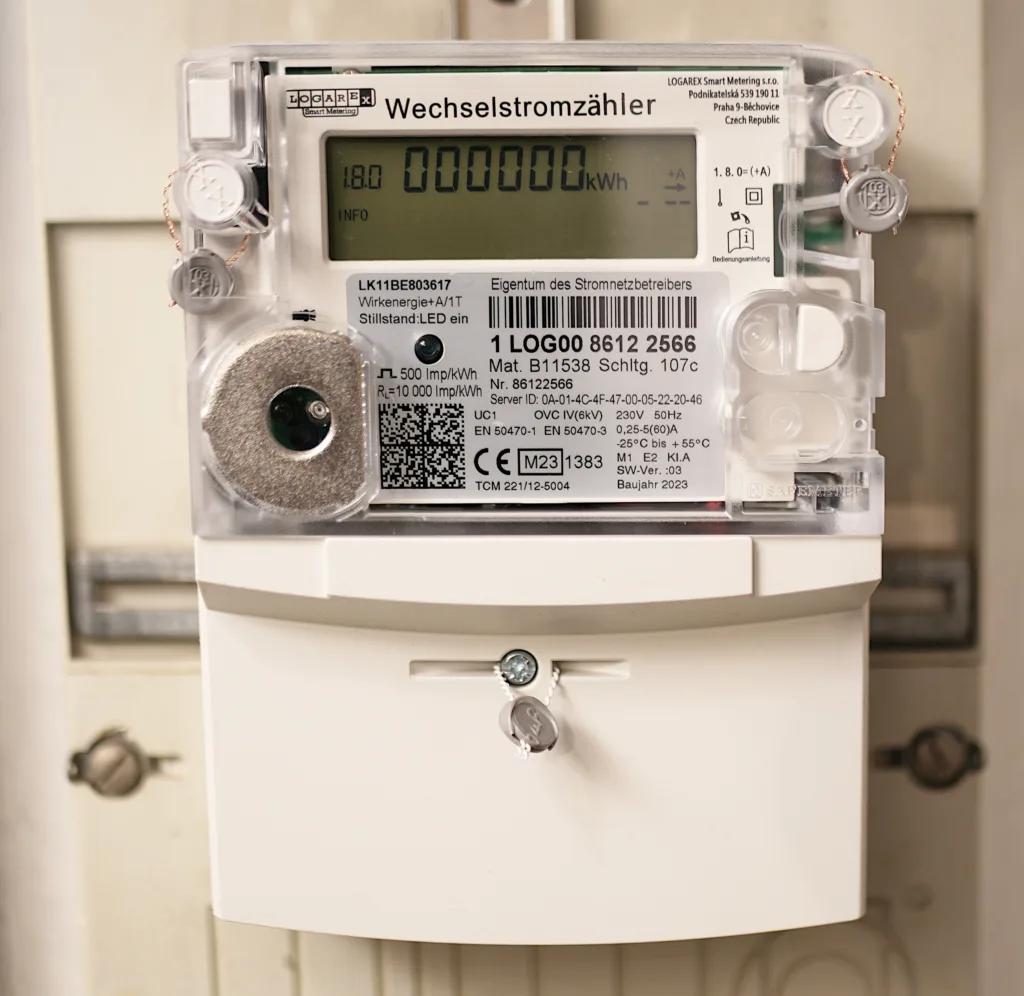
A smart energy system ties together monitoring, automation, and scheduling. The point is to help you actually use less energy and get more value from solar or battery storage. Collecting data for its own sake is not the goal. This guide covers what smart energy monitoring actually delivers. It explains how home automation and grid integration fit together. It also covers which components are worth the investment, and which are mostly novelty.
Table of Contents
- What a Smart Energy System Actually Does
- Real-Time Energy Monitoring
- Core Components Compared
- Automation and Scheduling
- Grid Integration and Demand Response
- Connected Devices Worth Adding
- Is It Actually Worth It?
- Frequently Asked Questions
What a Smart Energy System Actually Does
At its core, a smart energy system connects three layers. The monitoring layer uses metering and sensors to measure usage in real time. The control layer includes smart plugs, thermostats, and inverters that can adjust operation automatically. A solar or battery system often sits alongside. All of it reports to a central app or dashboard. The value is not the technology itself. It is the visibility and automation. Those let you shift usage to cheaper or self-generated power, and catch problems early. They also remove the guesswork that leads most households to over- or underestimate their actual energy use.
Real-Time Energy Monitoring
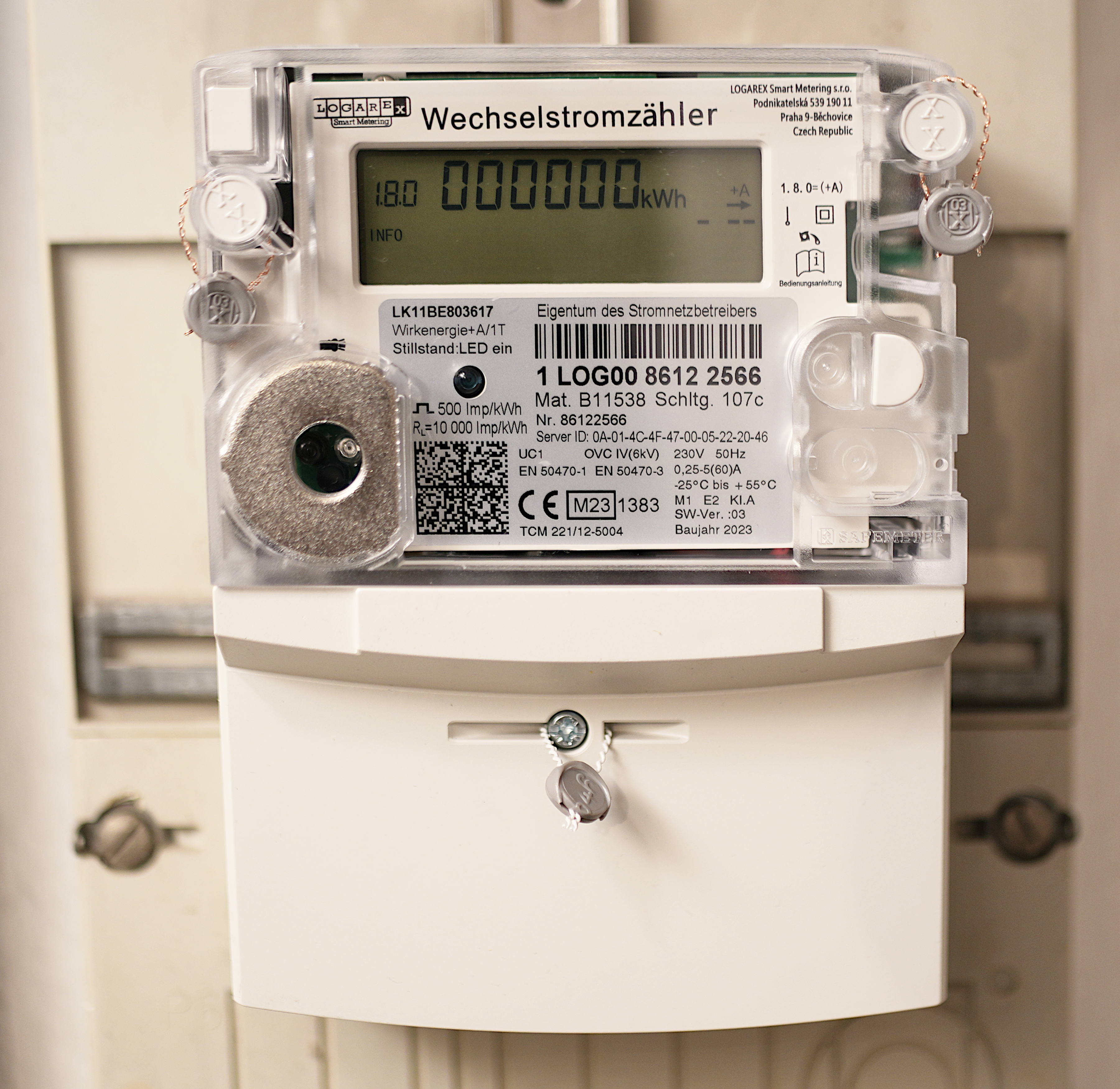
Whole-home energy monitors clamp onto your main electrical panel. They report total consumption in near real time. More capable models break usage down by individual circuit. Circuit-level detail is what makes monitoring useful for behavior change. Knowing your whole house used 30 kWh yesterday tells you little. Seeing that your water heater alone accounted for 8 kWh points to a specific, addressable cost. Cloud-connected monitors also build a historical usage baseline over weeks and months. That baseline is what lets the system, or you, spot an unusual spike. Such a spike often signals a failing appliance or a phantom load left running.
Core Components Compared
| Component | What It Does | Typical Cost |
|---|---|---|
| Whole-home energy monitor | Tracks total and circuit-level usage in real time | $150-350 |
| Smart thermostat | Automates HVAC scheduling based on occupancy/patterns | $130-250 |
| Smart plugs/switches | Enable scheduling and remote control of individual devices | $15-40 each |
| Solar/battery monitoring app | Tracks generation, storage, and export/import in real time | Usually included with system |
Automation and Scheduling
The step beyond passive monitoring is automation. Rules shift usage to the cheapest or cleanest available power. You do not have to remember to do it manually. Several examples show automation turning monitoring data into savings. A smart thermostat pre-cools during peak solar production. A water heater runs its heating cycle during a time-of-use off-peak window. An EV charger starts only after the home battery reaches a set charge level. All of these do more than display numbers on a dashboard.
Grid Integration and Demand Response
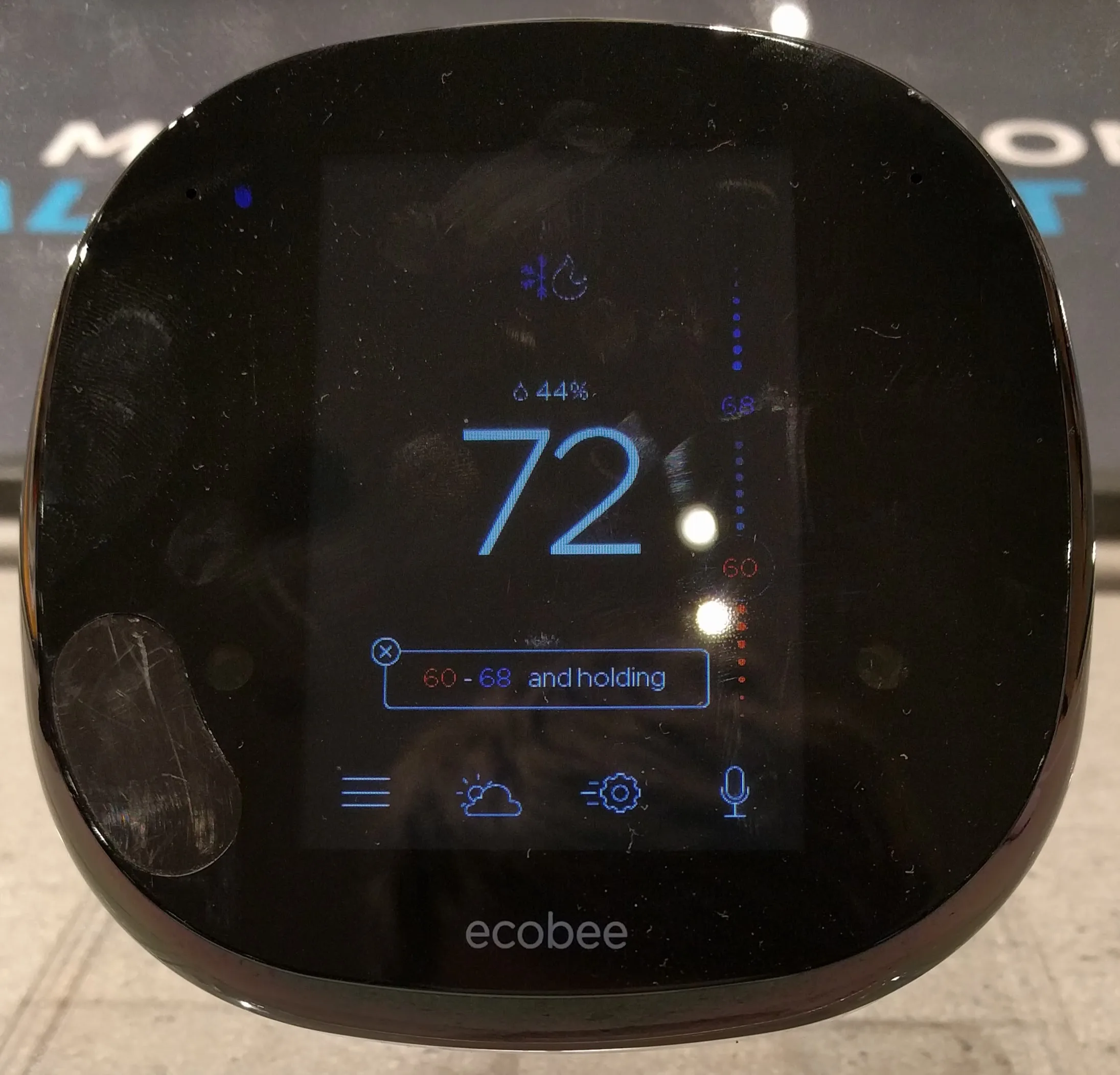
Many utilities now offer demand response programs. These pay or credit customers for reducing usage during grid stress events. Those events are typically hot summer afternoons, when overall demand peaks. A smart energy system with automation can participate in these programs automatically. It pre-cools before an event, then coasts through it on reduced HVAC use. You never have to manually respond to a text alert. Time-of-use rate optimization works on the same principle even without a formal demand response program: automatically shifting flexible loads to your utility’s cheapest rate window.
Connected Devices Worth Adding
Not every “smart” device delivers meaningful energy value. Smart thermostats and whole-home monitors have the strongest track record for real savings because HVAC and phantom loads are typically a home’s largest controllable expenses. Smart plugs are worth it for specific high-draw or “always-on” devices (space heaters, entertainment centers, water heaters) but low-value for devices that barely draw power anyway. Smart lighting delivers minimal direct energy savings for most households and is better justified by convenience than by the energy bill.
Is It Actually Worth It?
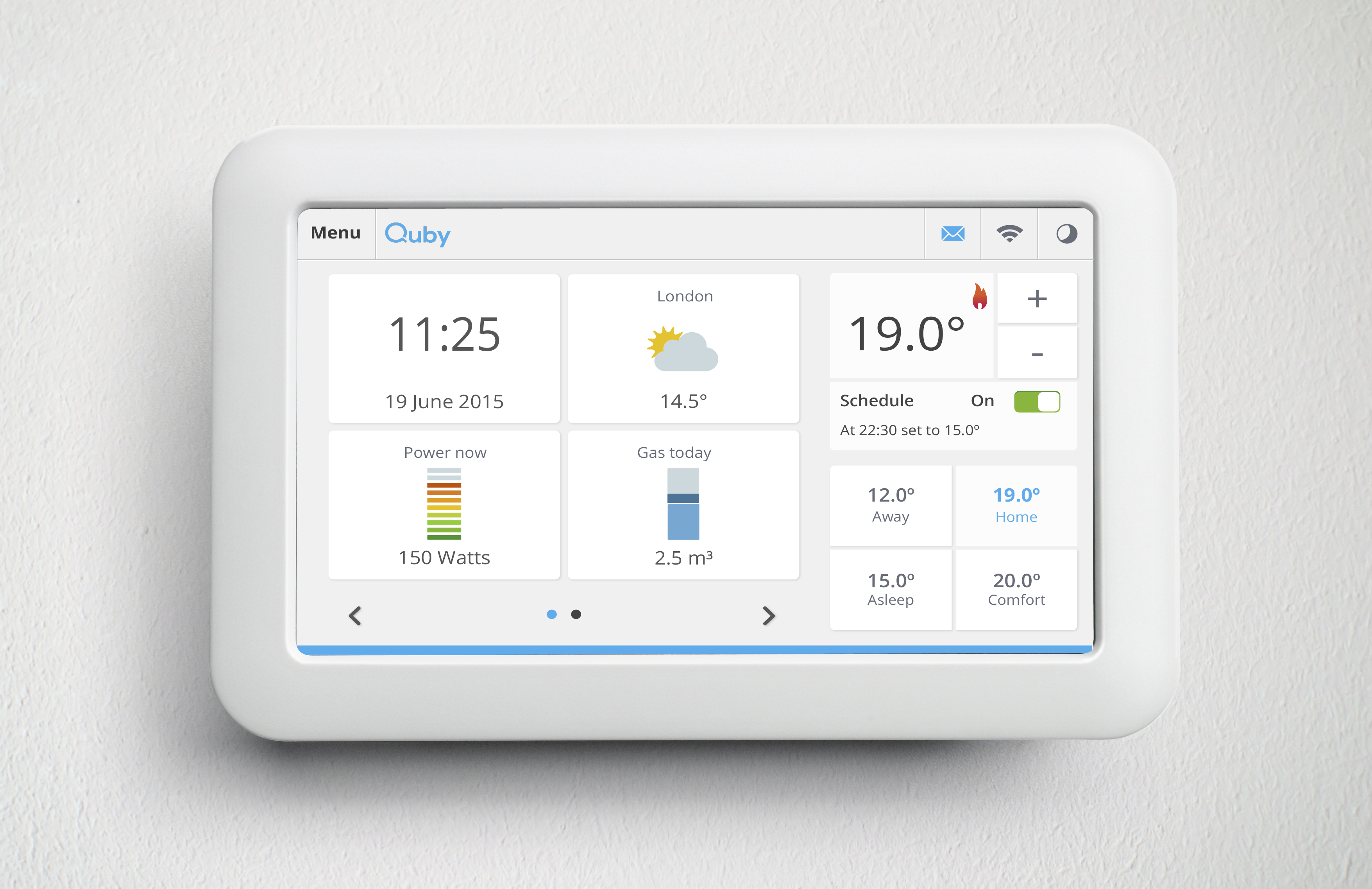
Monitoring alone typically drives a modest 3-8% reduction in usage simply from increased awareness — well documented in utility-sponsored behavioral studies. Adding automation on top of monitoring tends to roughly double that savings range. HVAC scheduling and time-of-use rate optimization drive most of it. This applies to households on variable or time-of-use rate plans. Flat-rate customers see less financial benefit from automation specifically, though the awareness and behavior-change benefit still applies regardless of rate structure. For homes with solar and battery storage, smart energy management adds the most value by maximizing self-consumption. It automatically runs flexible loads when your own panels are producing. That avoids drawing from the grid or discharging the battery unnecessarily.
Frequently Asked Questions
Do smart energy monitors actually save money?
Yes, primarily through increased awareness (3-8% typical reduction) and, when paired with automation, larger savings from shifting usage to cheaper or self-generated power.
Is a whole-home monitor worth it if I already have solar?
Often yes. It shows exactly how much of your solar generation you are self-consuming versus exporting. That is the number that drives real bill savings.
What’s the difference between monitoring and automation?
Monitoring shows you data. Automation acts on it — scheduling devices to run during cheap or self-generated power windows without manual intervention.
Do I need professional installation for smart energy monitoring?
Whole-home monitors typically require connection at the electrical panel, best done by a licensed electrician. Individual smart plugs and thermostats are DIY-friendly.
Can smart energy systems work with any solar inverter?
Most modern hybrid inverters have their own monitoring app. Third-party whole-home monitors can usually integrate alongside them for a more complete picture across all circuits, not just solar-specific data.
For pairing smart monitoring with battery storage, see our energy storage system comparison and best hybrid solar inverter guide. To estimate your own payback timeline, try our solar payback period calculator. For independent background on demand response and time-of-use rates, see the U.S. Department of Energy’s demand response overview and EIA’s guide to electricity pricing factors.
For the controls layer specifically, read smart thermostat savings.
Related Posts
Leave a Comment
Your comment will be published after it has been approved. Please send comments that do not contain slang words.